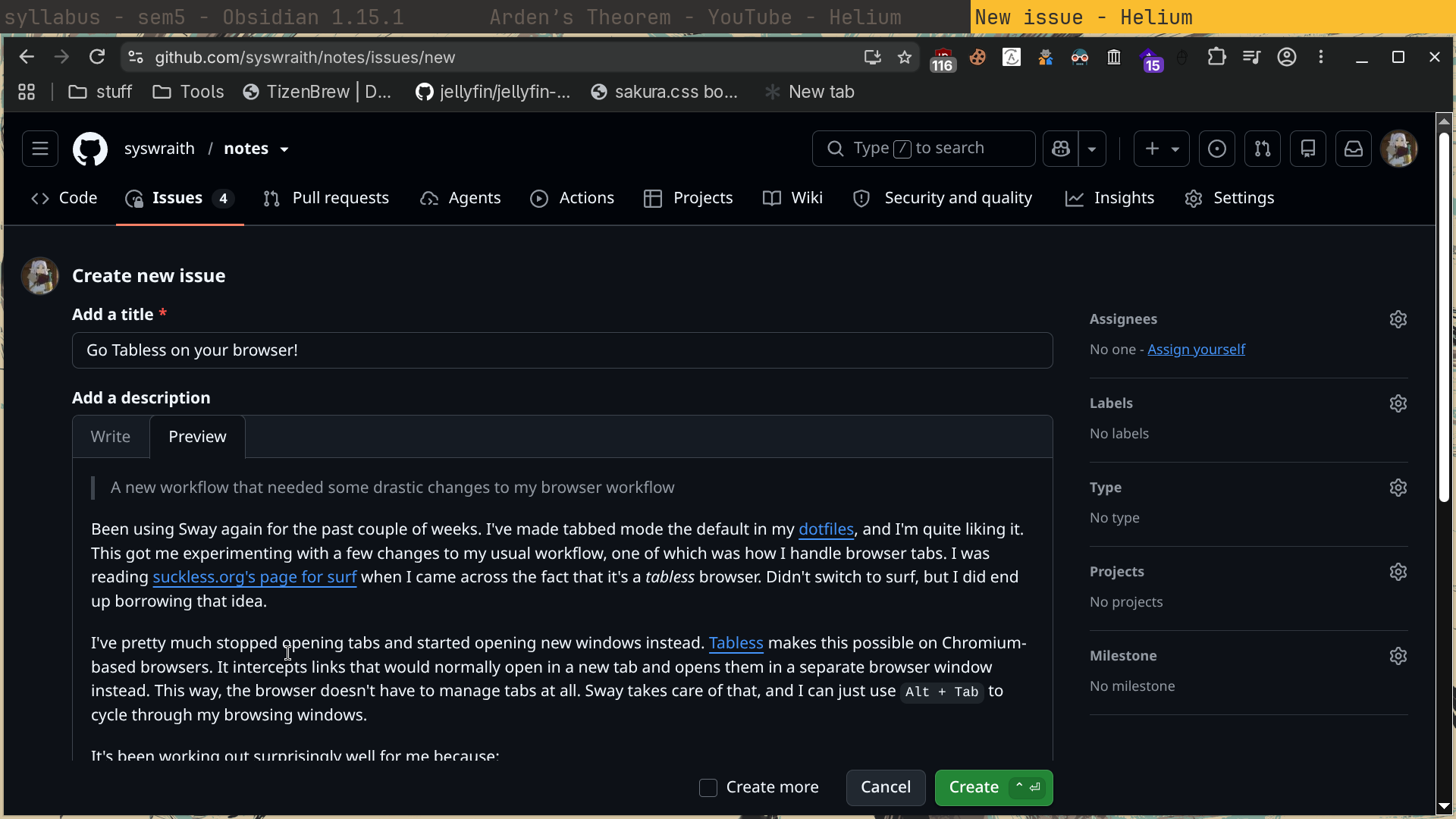
Go Tabless on your browser!
A new workflow that needed some drastic changes to my browser
· web, browser, window manager, Sway, dotfiles
Been using Sway again for the past couple of weeks. I've made tabbed mode the default in my dotfiles, and I'm quite liking it. This got me experimenting with a few changes to my usual workflow, one of which was how I handle browser tabs. I was reading suckless.org's page for surf when I came across the fact that it's a tabless browser. Didn't switch to surf, but I did end up borrowing that idea.
I've pretty much stopped opening tabs and started opening new windows instead. Tabless makes this possible on Chromium-based browsers. It intercepts links that would normally open in a new tab and opens them in a separate browser window instead. This way, the browser doesn't have to manage tabs at all. Sway takes care of that, and I can just use Alt + Tab to cycle through my browsing windows.
It's been working out surprisingly well for me because:
- I don't end up with stale tabs at the end of a browsing session.
- I don't use split tabs.
- I can keep different browsing contexts in separate windows.
- I can use Sway's tabbed layout to group windows and switch between them.
I'm keeping an eye on memory usage, but honestly, it hasn't been much of a bother.
Oh, and you can also just switch to vertical tabs and avoid the existence of the browser's tab bar altogether 🙏